Carp fishing planner

CarpFish

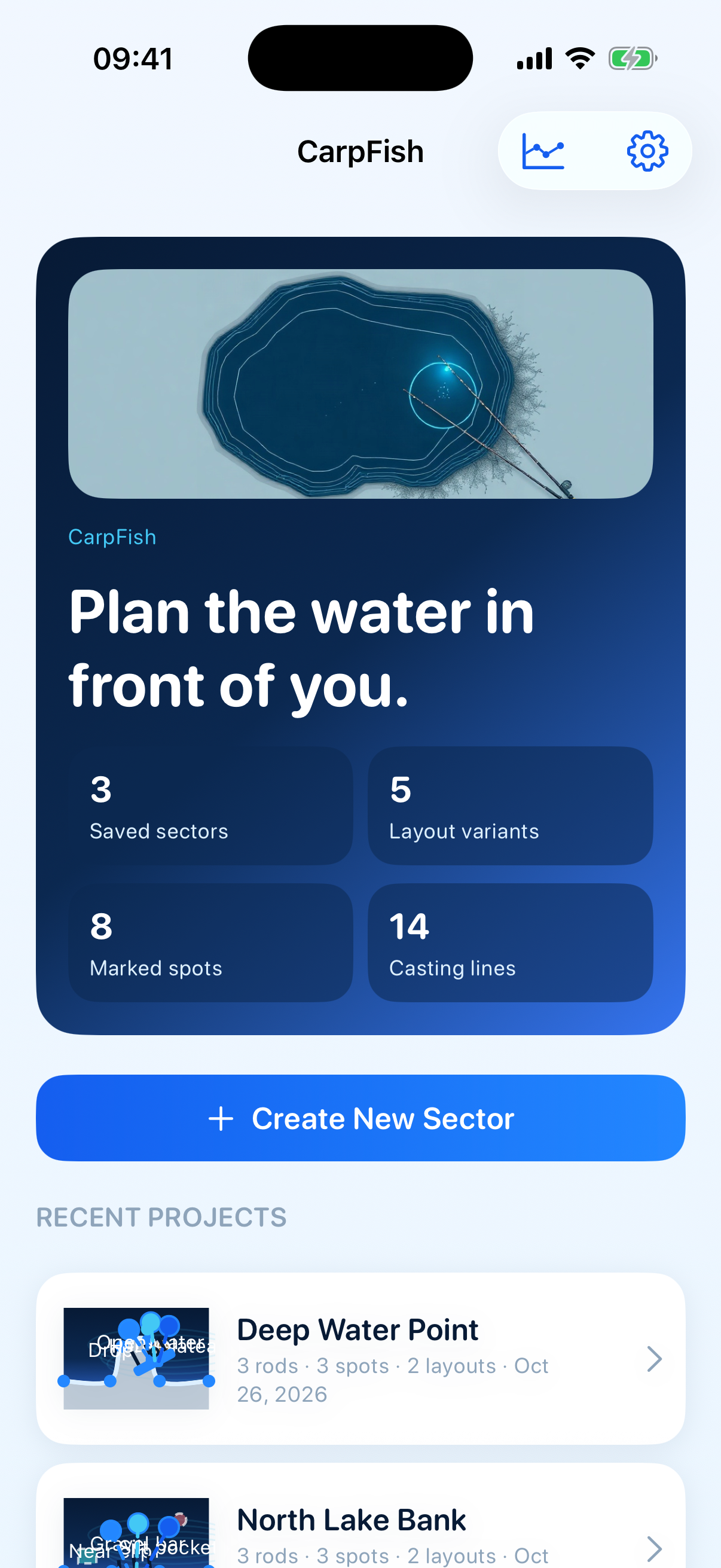
Plan the water in front of you — shoreline, rods, casts, and spots on a private sector map.

See the sheet tools

Studio · North Lake Bank

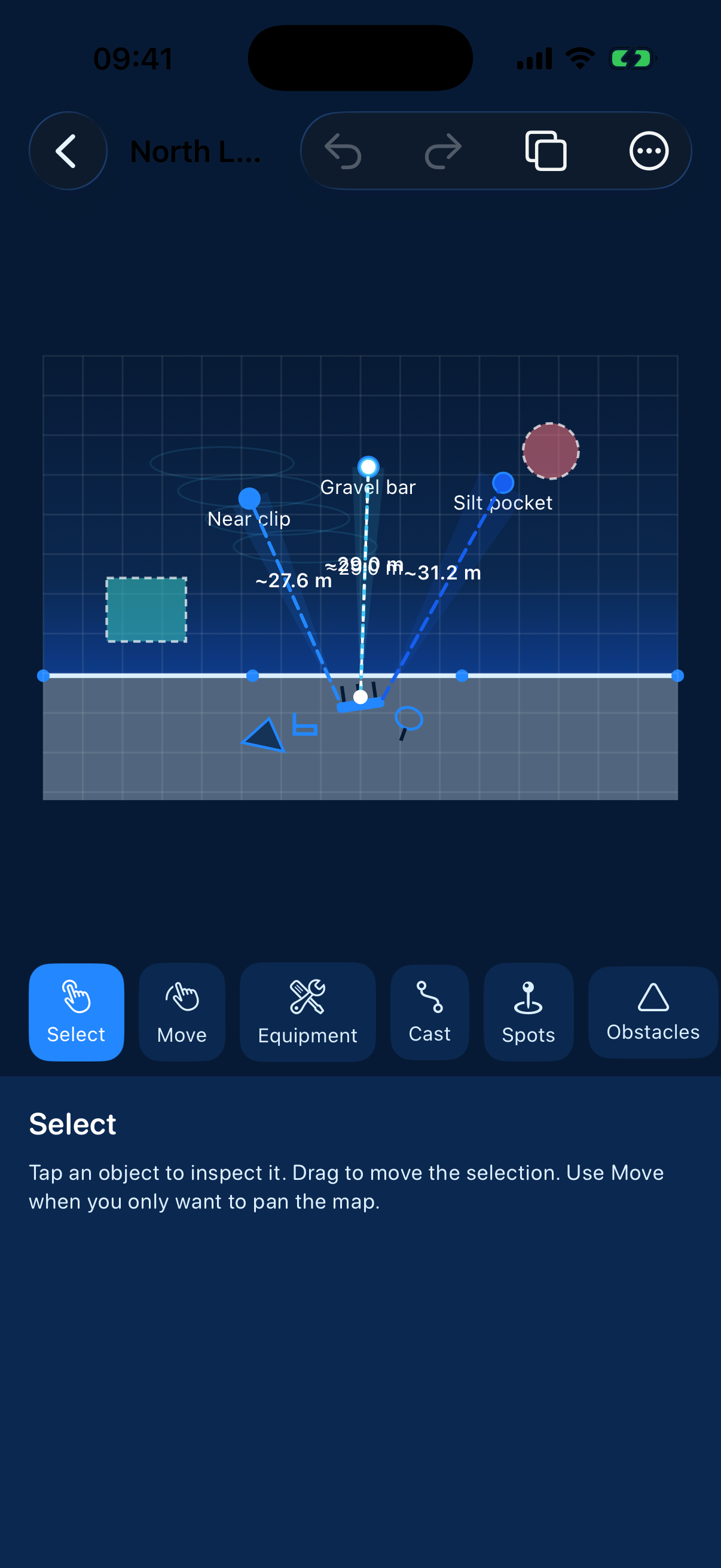
CarpFish studio editor with casting lines on a sector map

01 · Tools

On the bank sheet

Everything you sketch stays in world meters — zoom never rewrites the plan.

  1. 01

    Draw the sector

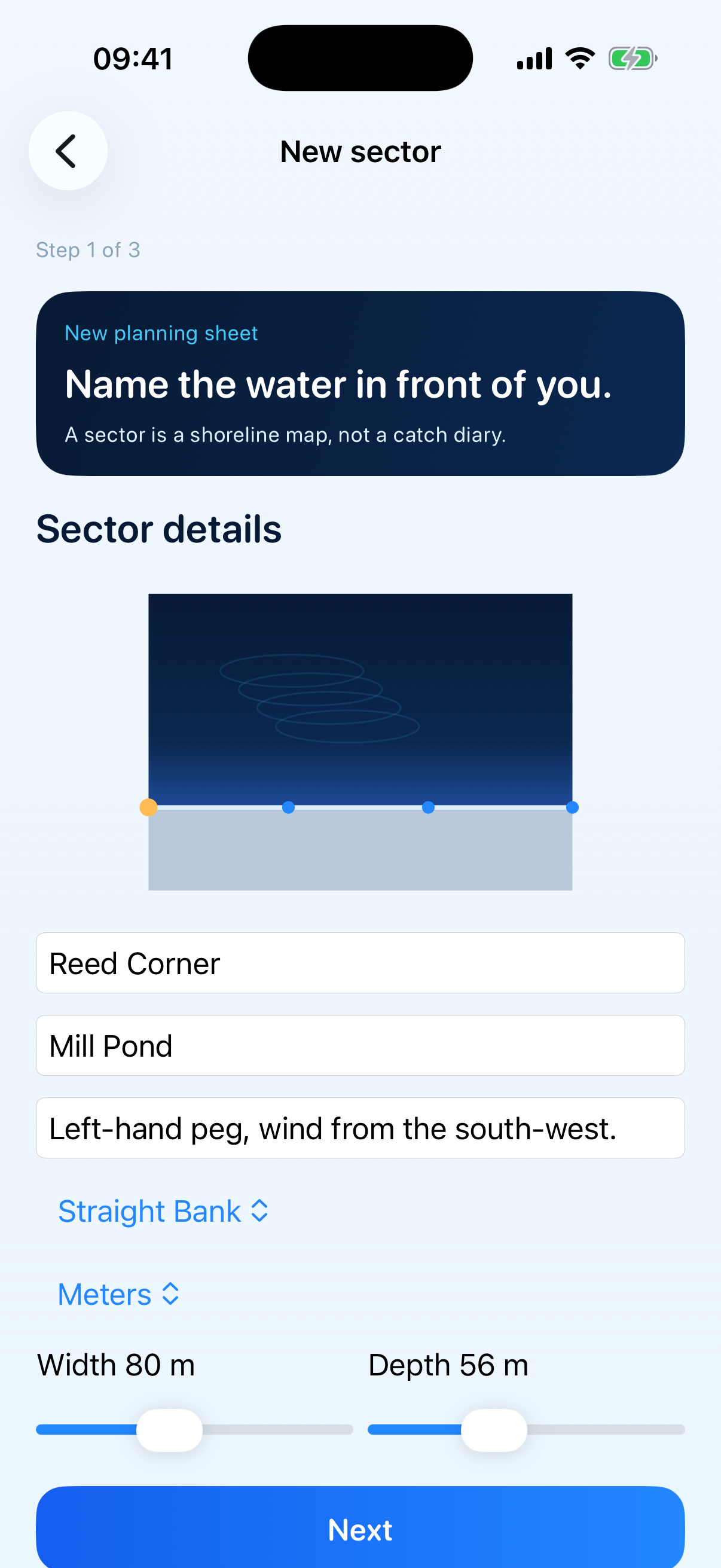
    Shape a shoreline, set world-meter scale, and keep spots and structures on one shared water map.

  2. 02

    Map every cast

    Place rods on the bank, aim corridors into the water, and label planned distances without leaving the canvas.

  3. 03

    Compare layouts

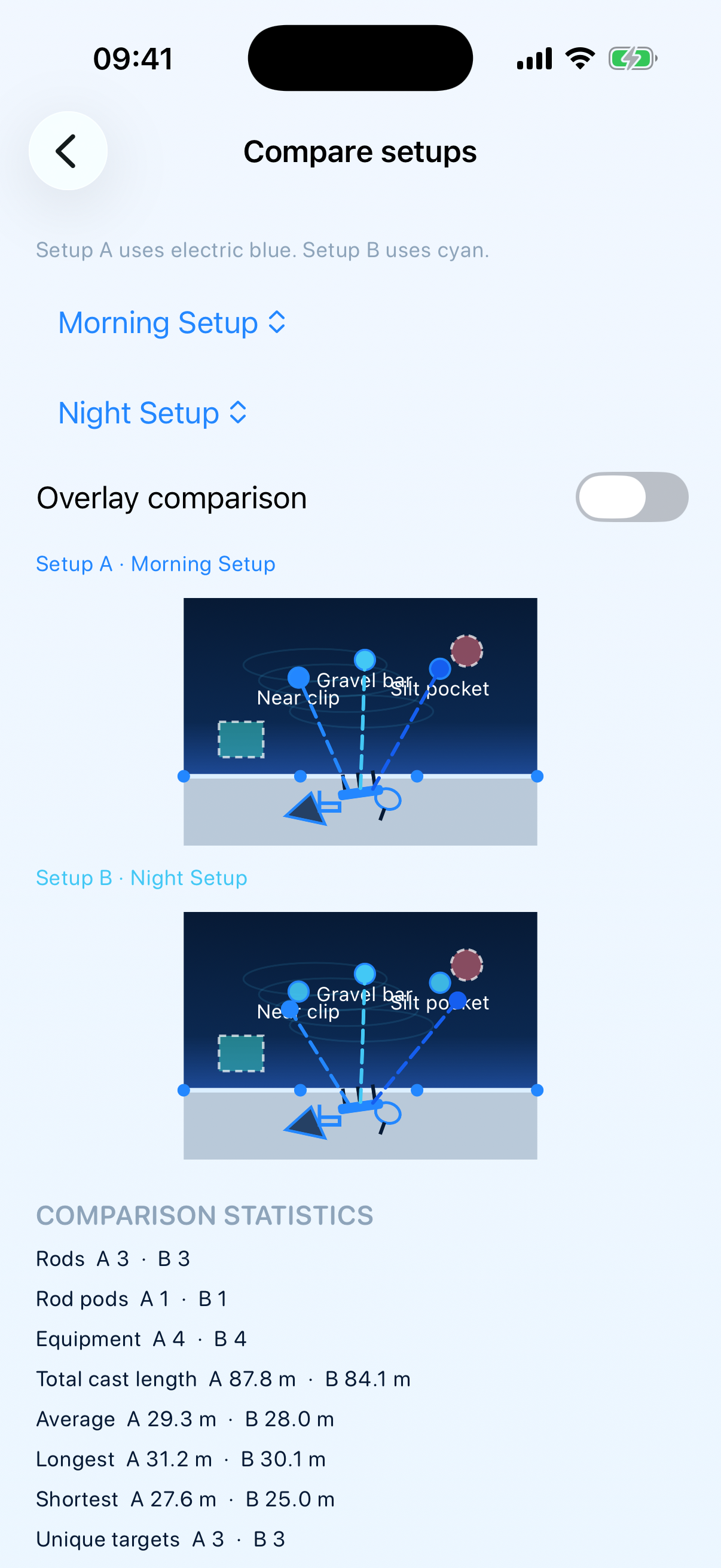
    Save morning and night variants, then line them up with live counts for rods, casts, and crossings.

  4. 04

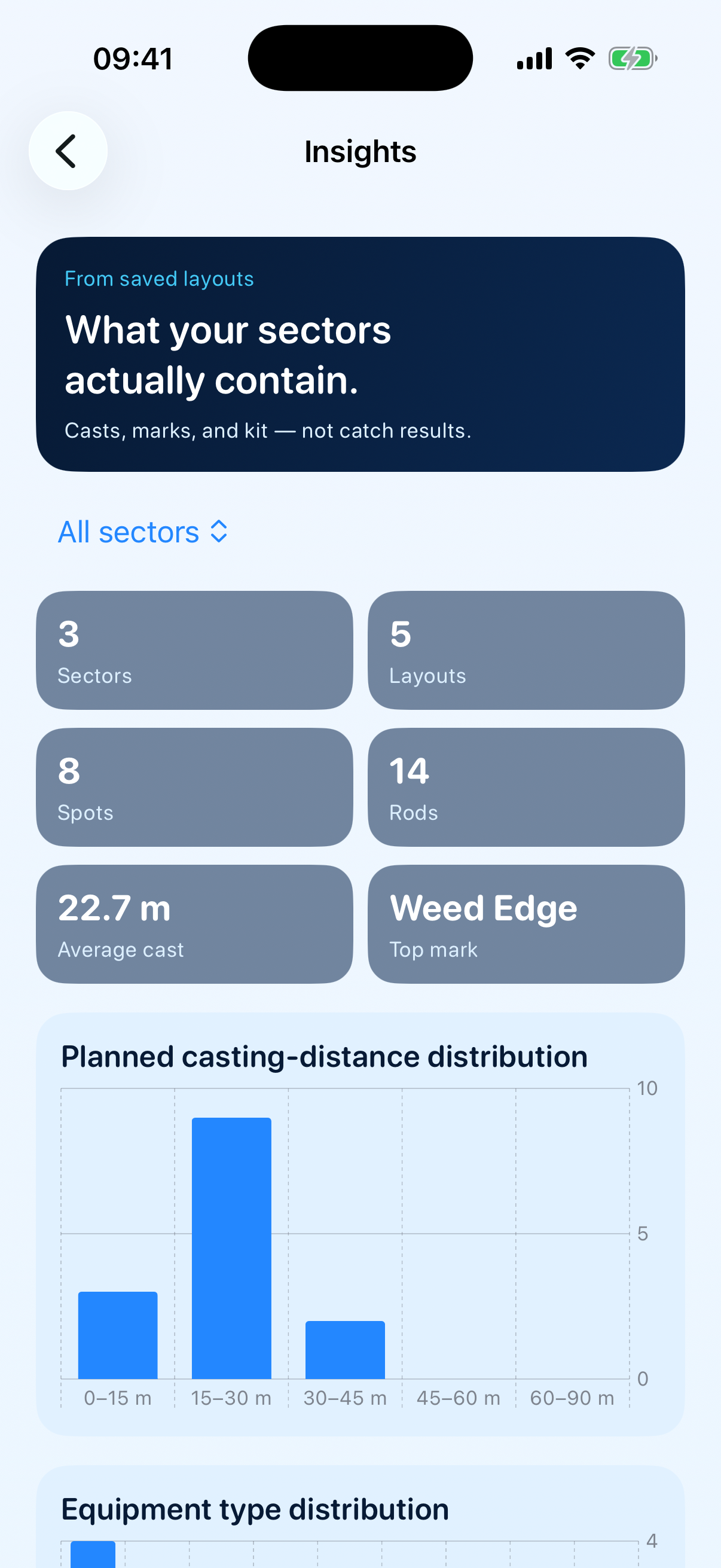
    Insights from your sheets

    Charts summarize planned distances and spot types from saved sectors only — not catch results.

02 · Atmosphere

Built for session planning

A schematic of the peg — not a diary, not a GPS track, not a weather feed.

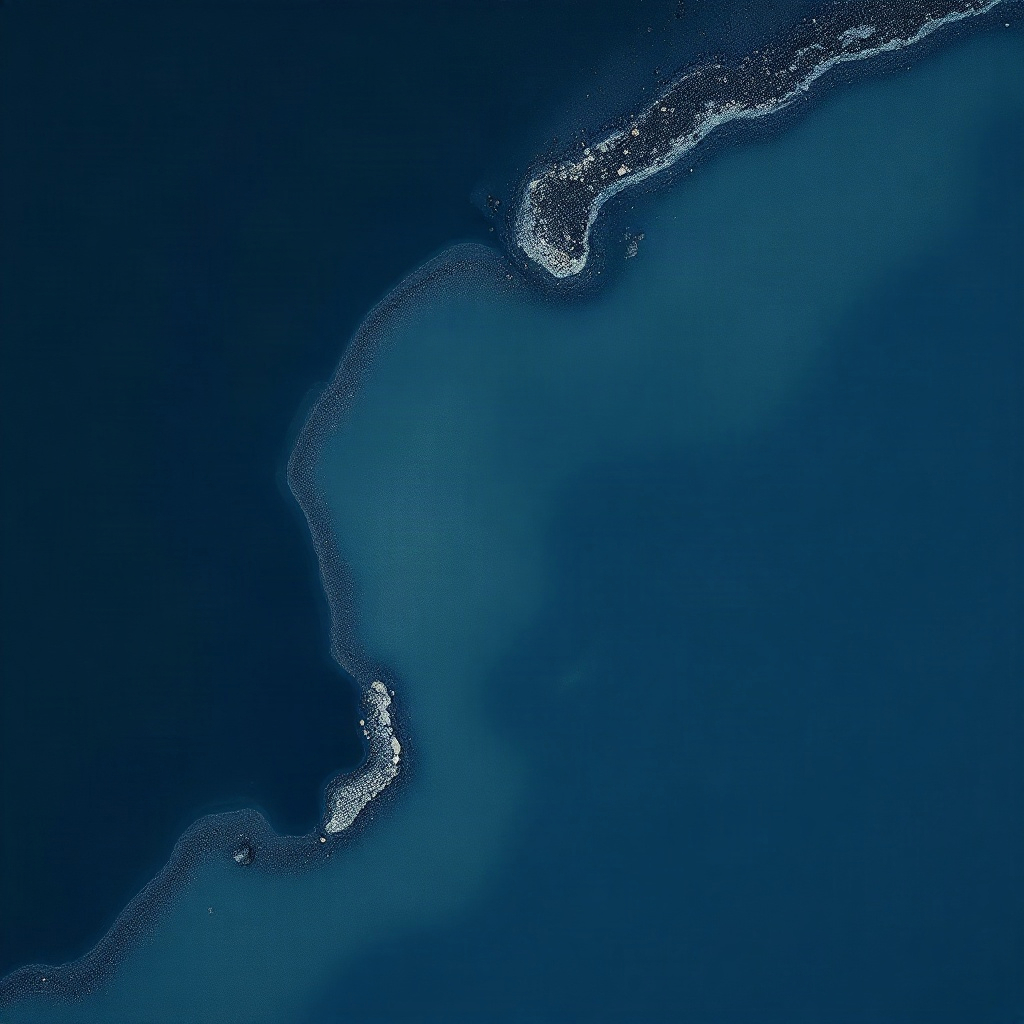
Abstract shoreline planning mood
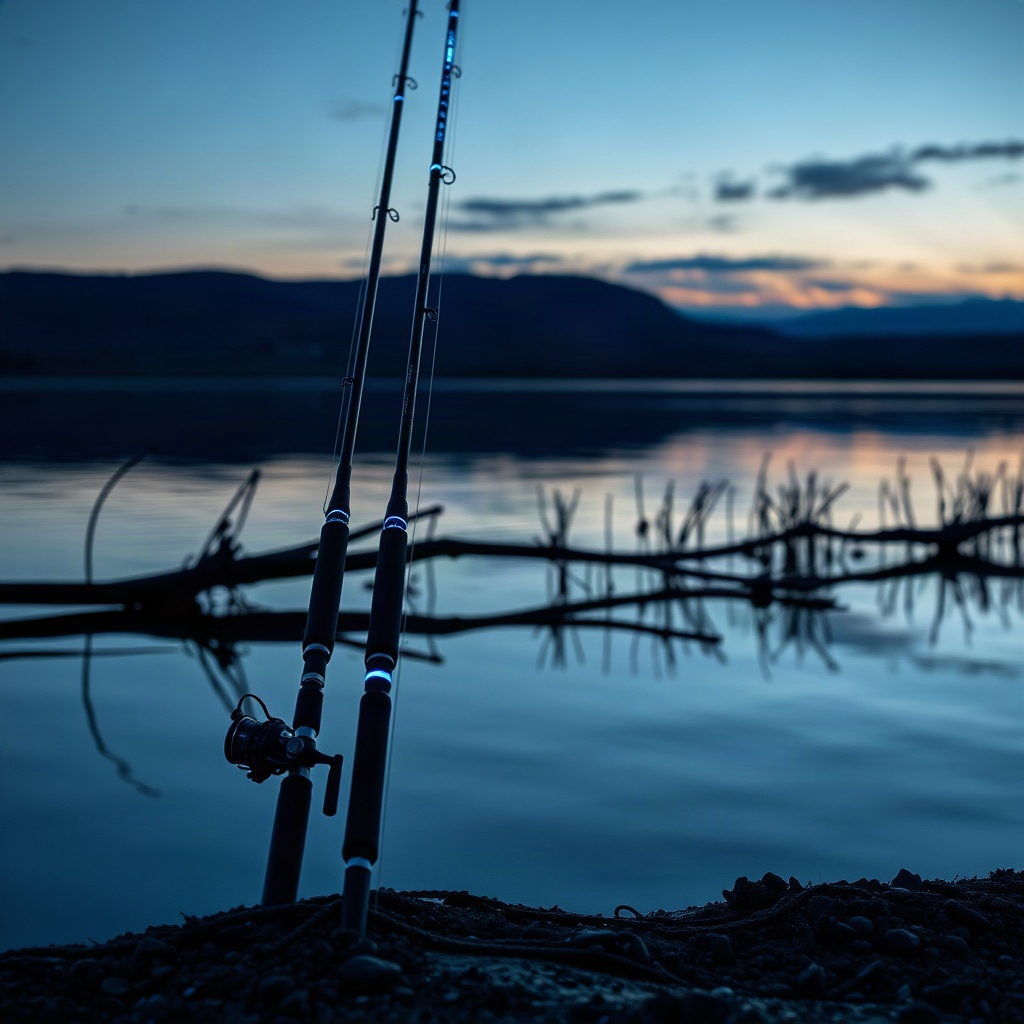
Rods on a quiet bank at dusk
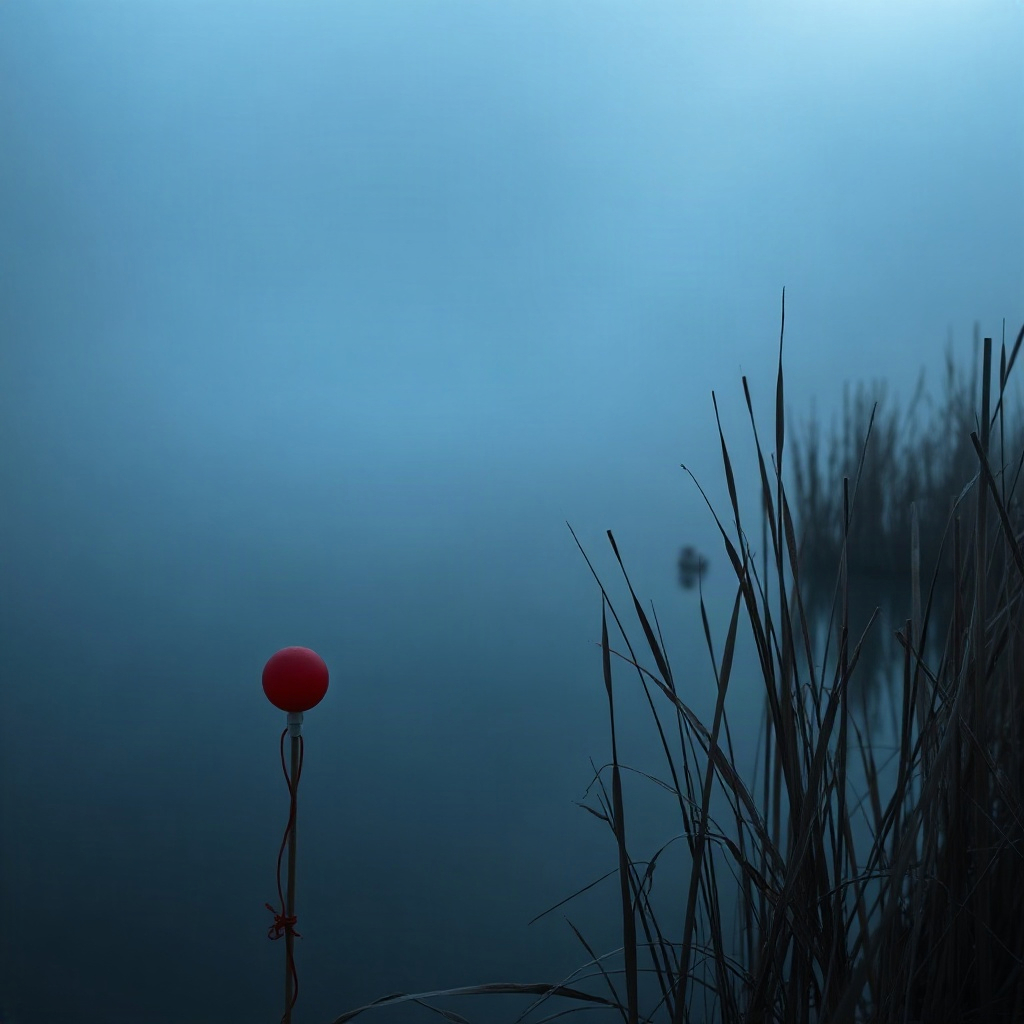
Misty lake edge with reeds

03 · App

From bank to studio

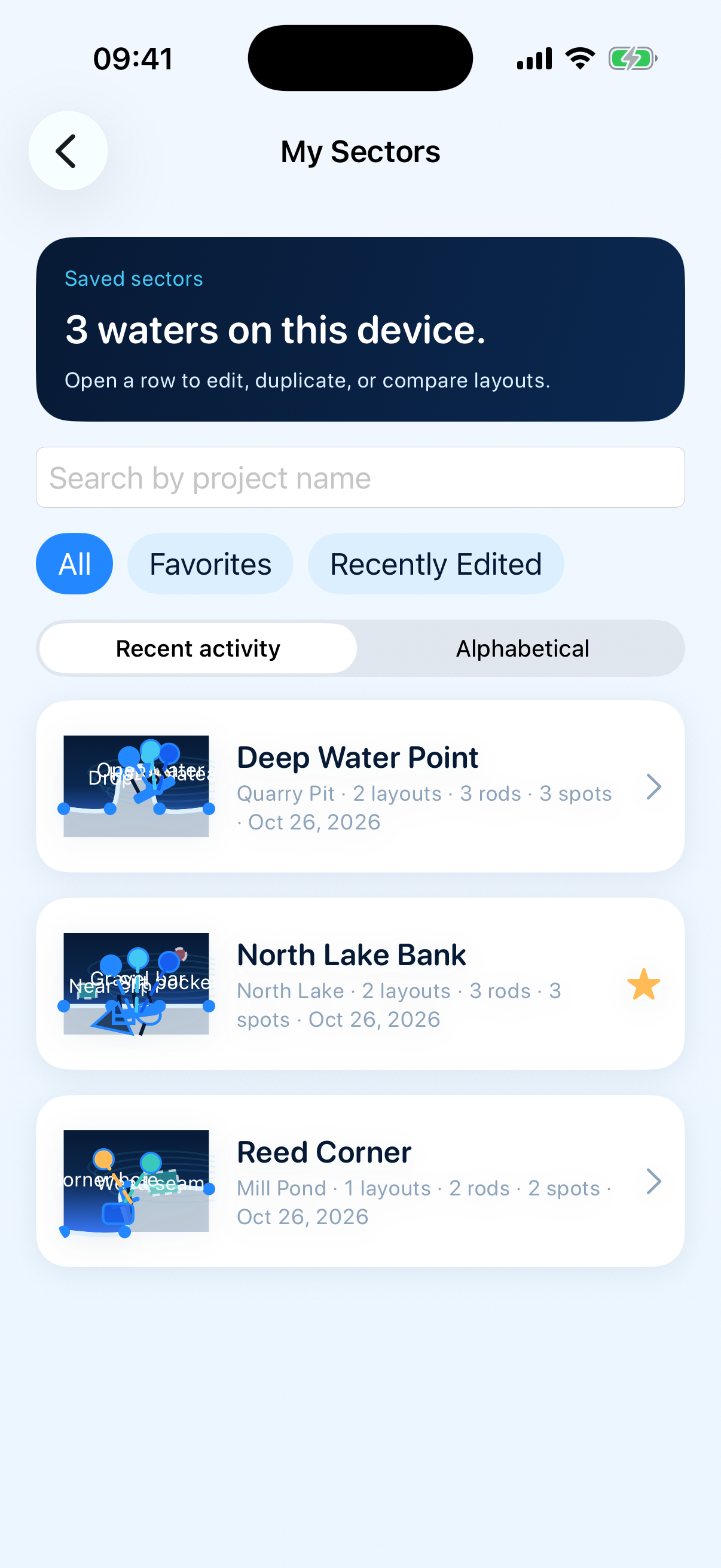
Dashboard, editor, compare, and insights — captured from the live planner.

Studio editor canvas
Studio
Bank dashboard
Bank
Create sector wizard
New sector
Sector library
Library
Compare setups
Compare
Insights board
Insights
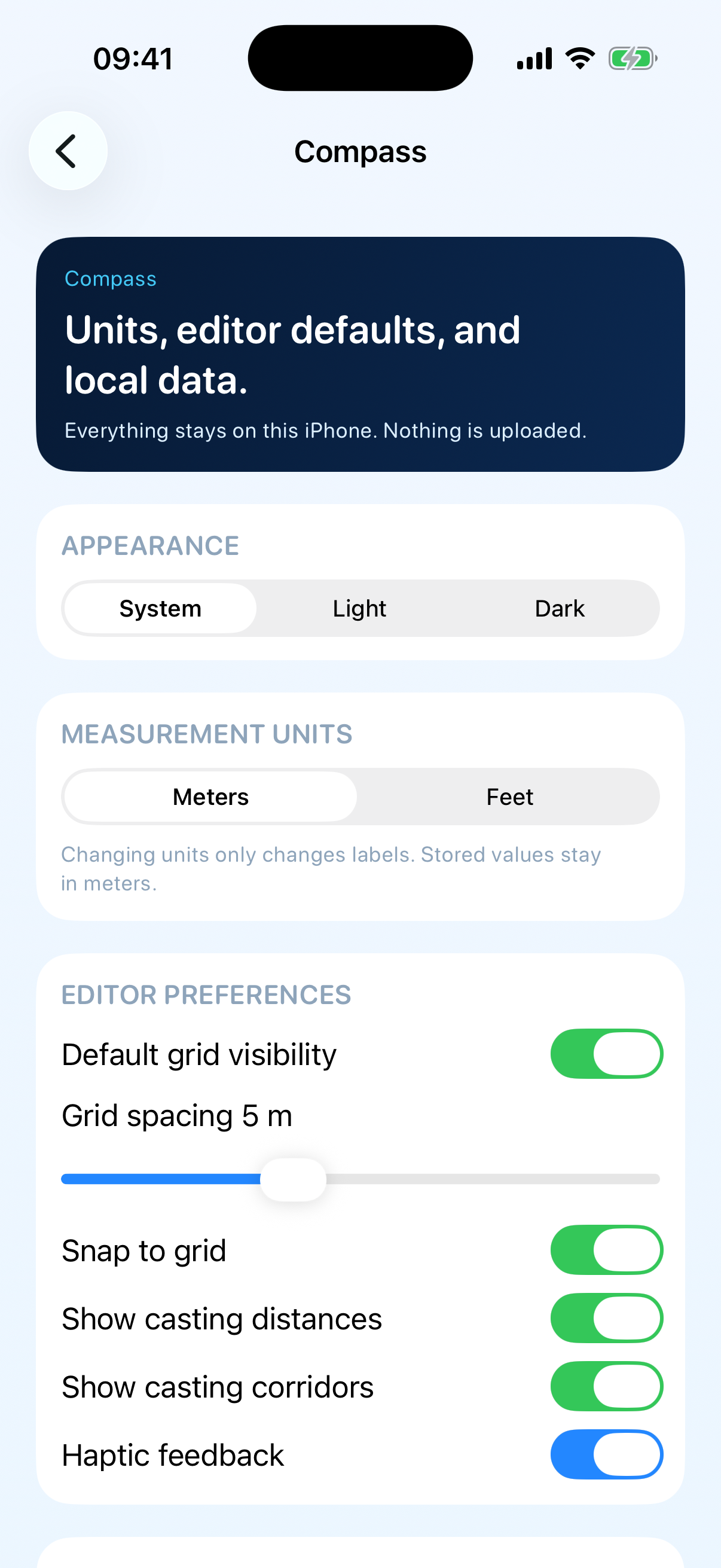
Compass preferences
Compass

05 · Contact

Support